Weighing and weight gain
Record weight and height at the withers, and the system works out how many grams the animal gains per day and what its weight will be. That way you see who's growing well and who's falling behind.
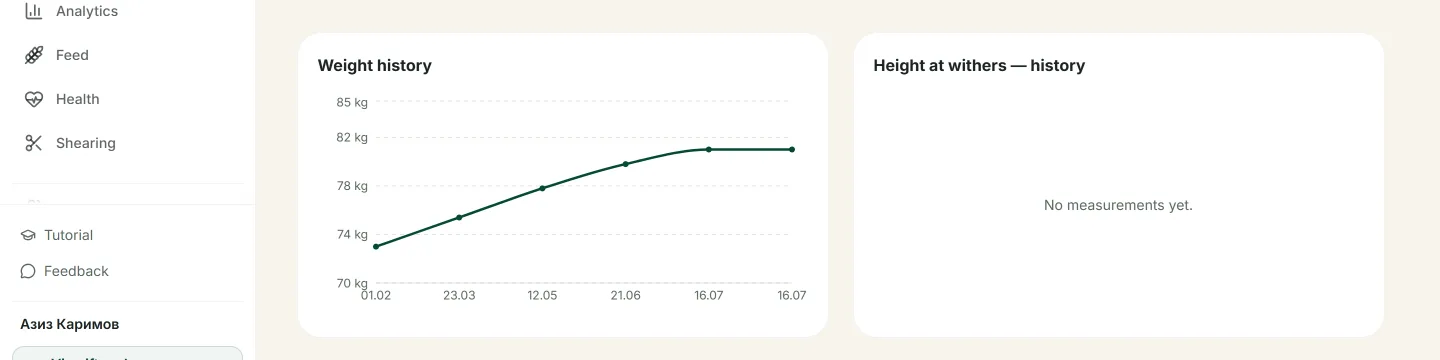
A weight chart with the calculated average daily gain.
How to record weighings
Weight chart and gain
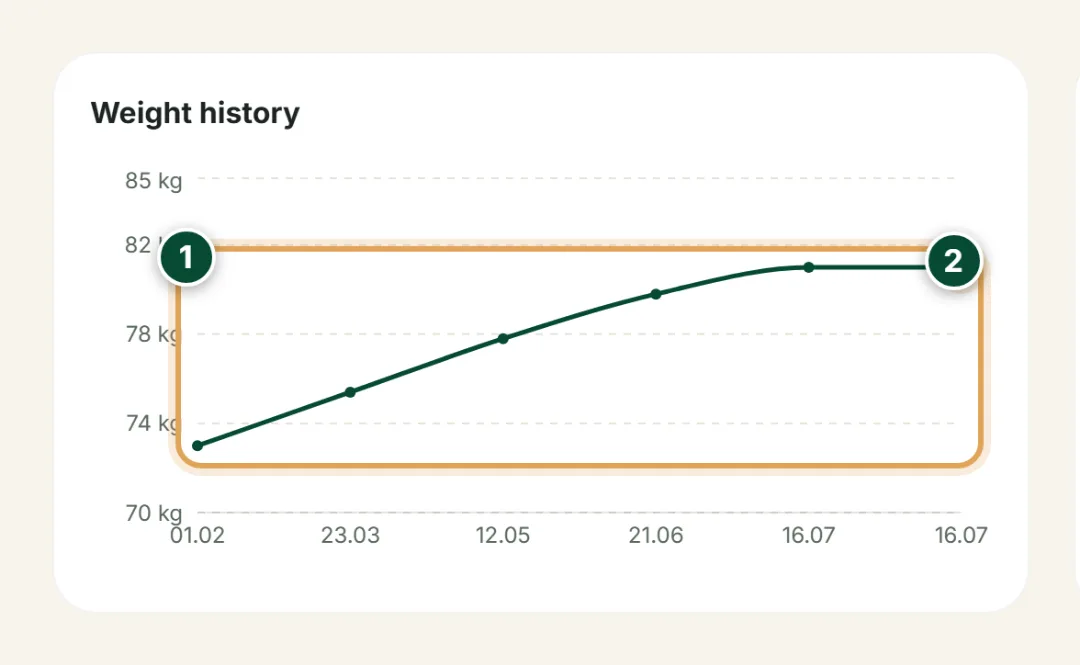
Every weighing lands on the weight-history chart, and the system works out the average daily gain and expected weight for you.
- 1
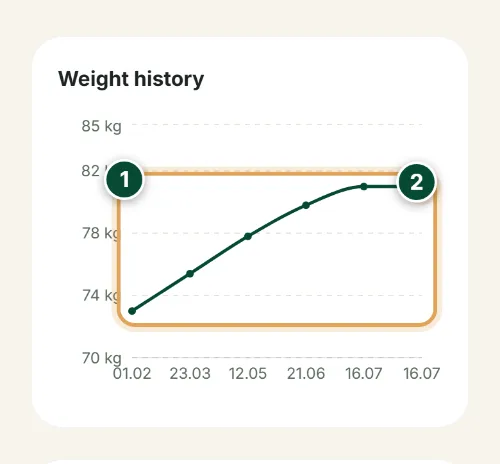
The weight line rises from one weighing to the next — its slope shows the average daily gain and the expected-weight forecast.
- 2
The rightmost point is the most recent weighing — it instantly becomes the animal's current weight. Each dot on the line is a separate dated measurement.
New weighing
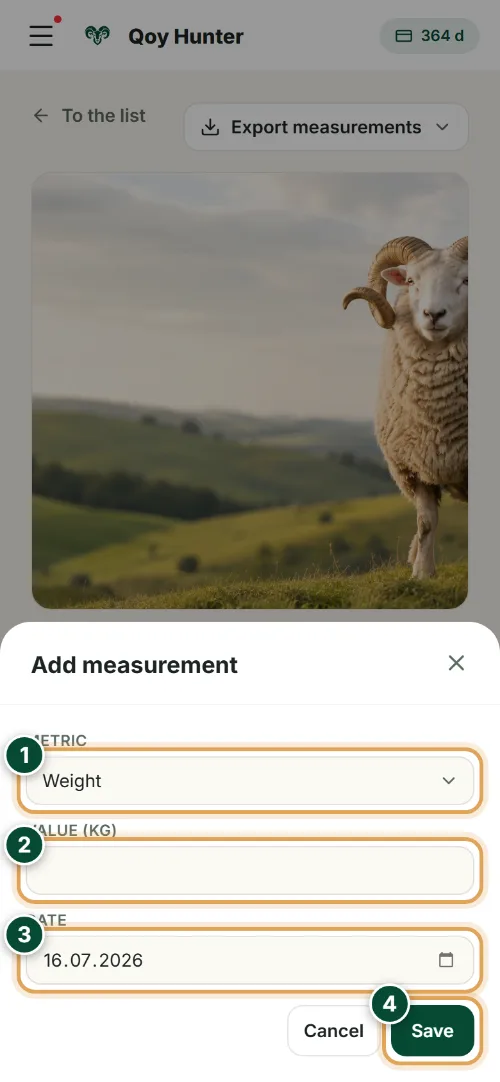
The “Add measurement” button on the animal's card opens this window. Only the value and the date are required.
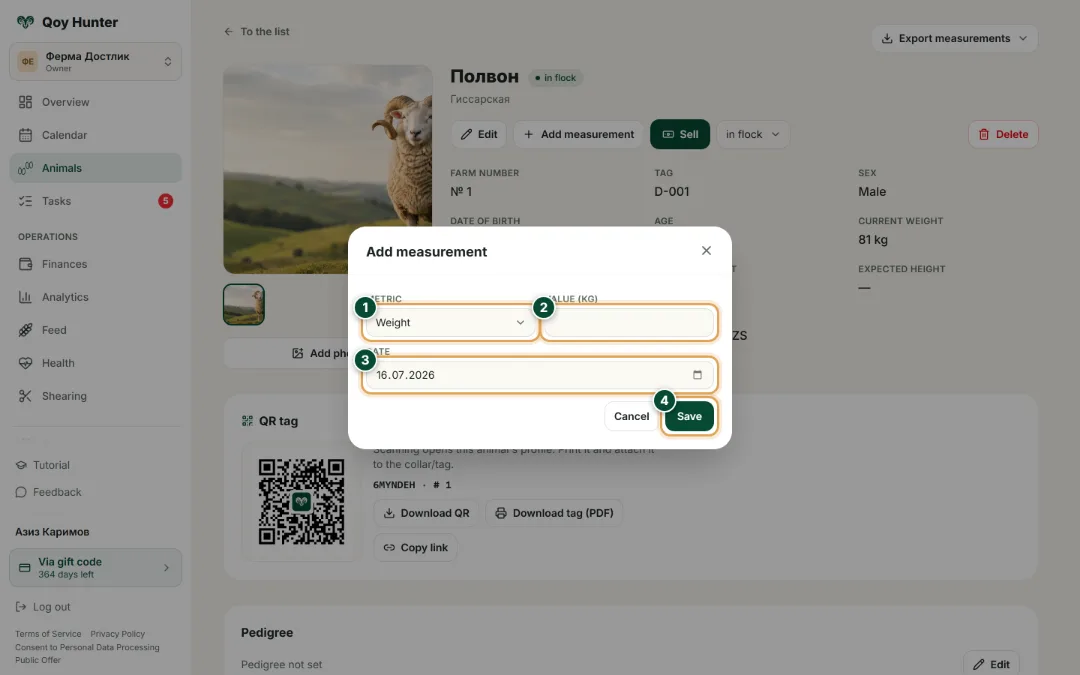
- 1
Choose the metric — weight or height at the withers. To track daily gain, record weight.
- 2
Enter the weight in kilograms — it becomes a new point on the weight-history chart.
- 3
Set the date of the weighing — from the dates the system computes the average daily gain.
- 4
Tap “Save” — the weighing joins the history, and the weight chart and the gain update right away.
The numbers mark the key elements on the screen
Average daily gain is calculated for you.
You see who's gaining weight and who's falling behind.
Reminders keep you from missing a weighing.
The weight history is always there on a chart.
More features
All featuresBring order to your farm
Put your flock into QoyHunter — records, health, finances and reminders in one app.