
Finances and profit
You can see how much the farm earned and spent — by category and for any month. Many entries are created for you: you buy an animal, sell one, or take feed or medicine. In the end it's clear how much profit the flock — and each ram — brings in.
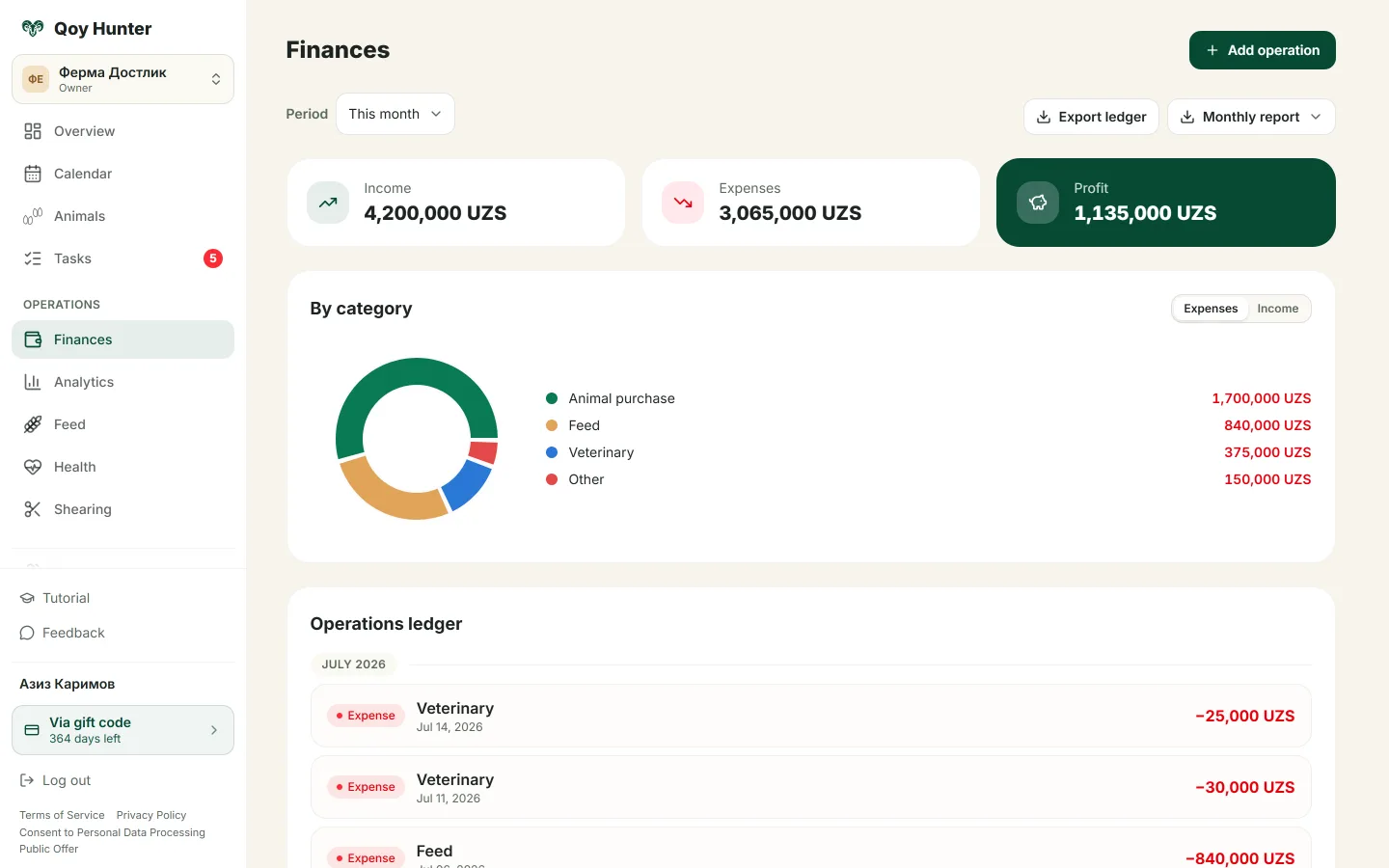
Income, expenses and profit for the month, broken down by category.
How to manage finances
- 1
Choose a month — income, expenses and profit appear at the top.
- 2
See the breakdown by category: feed, medicines, shearing, vet care and more.
- 3
Tap Add entry and link it to an animal or a feed.
- 4
Check the profit on each animal in its card.
It's clear how much you earned and spent.
Many entries are filled in automatically.
You can see the profit on every ram.
Expenses are sorted by category.
More features
All featuresBring order to your farm
Put your flock into QoyHunter — records, health, finances and reminders in one app.