QR tags and animal passport
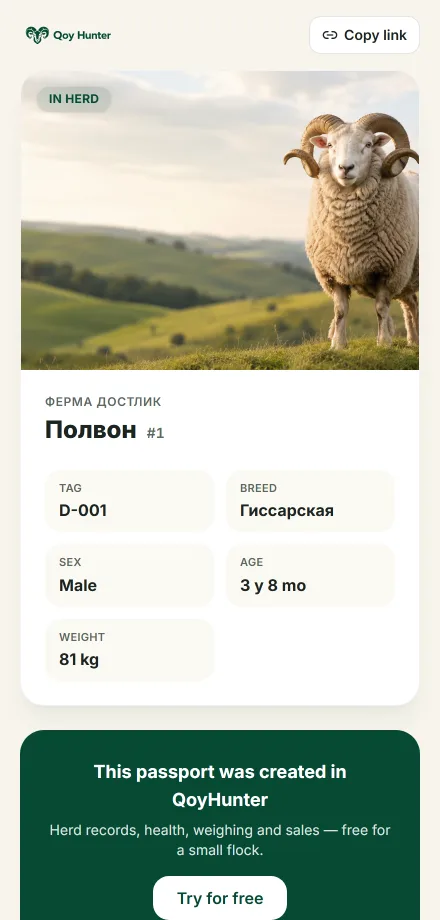
Every animal has its own QR code on its tag. When your worker scans it, they land on the animal's card in the system; when a buyer scans it, they see a public passport with the animal's photo and details. You can print tags for your whole flock at once.
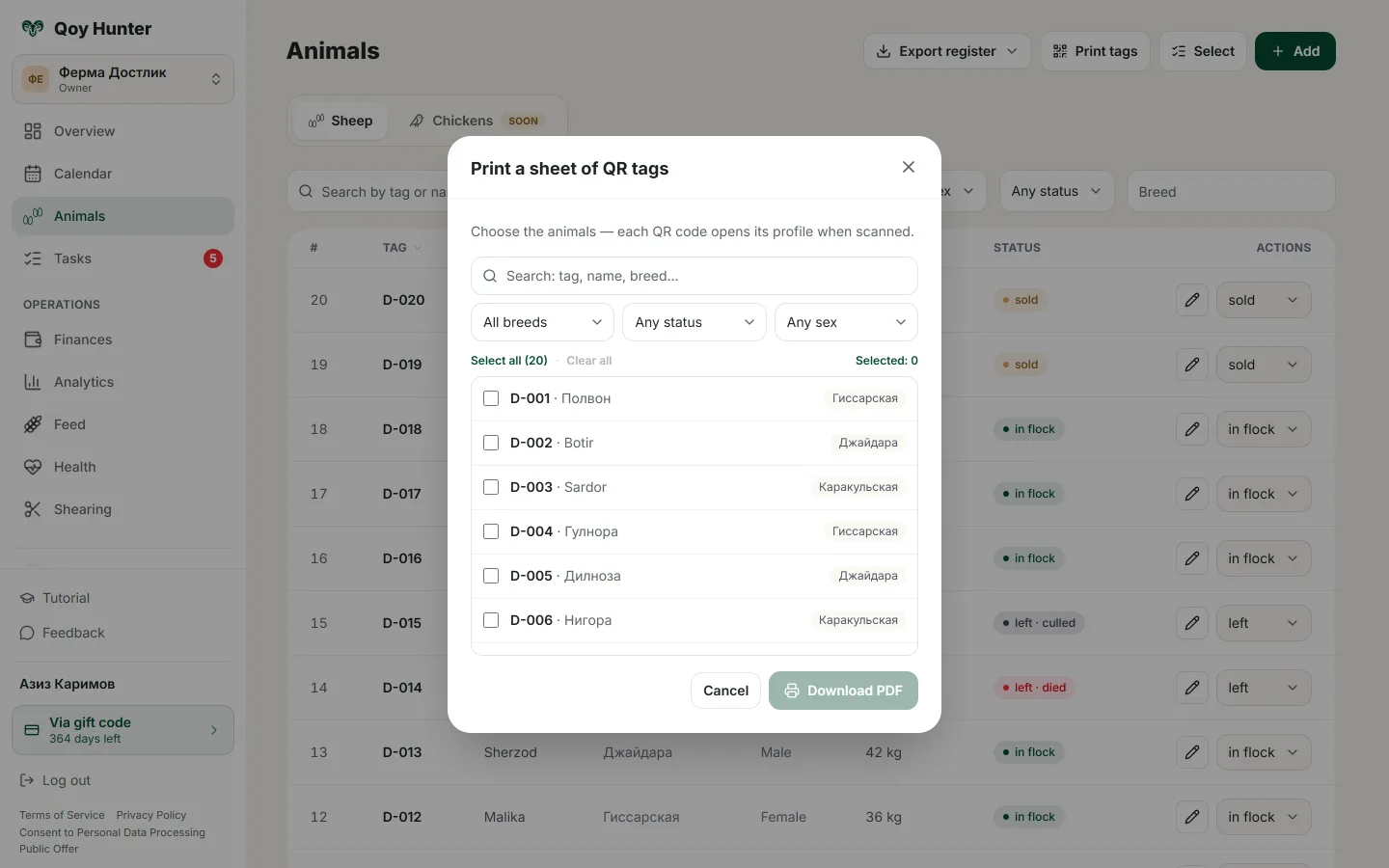
A sheet of QR tags to print and a public animal passport for buyers.
How to use the tags
- 1
Open the animal's card and download its QR tag.
- 2
Tap Print tags to get a PDF sheet for the whole flock at once.
- 3
Attach the tags to the animals.
- 4
Scan a tag with your phone: your worker sees the card, a buyer sees the passport.
Every animal is easy to identify by its code.
Tags print for the whole flock at once.
It's easy to show a buyer a ram's passport.
An animal's details are always a scan away.
More features
All featuresBring order to your farm
Put your flock into QoyHunter — records, health, finances and reminders in one app.