
Settings
Notifications and settings
You decide what to be alerted about: animal care, tasks, your team or your subscription. Notifications come to Telegram. This is also where you set your profile, the interface language and how you sign in.
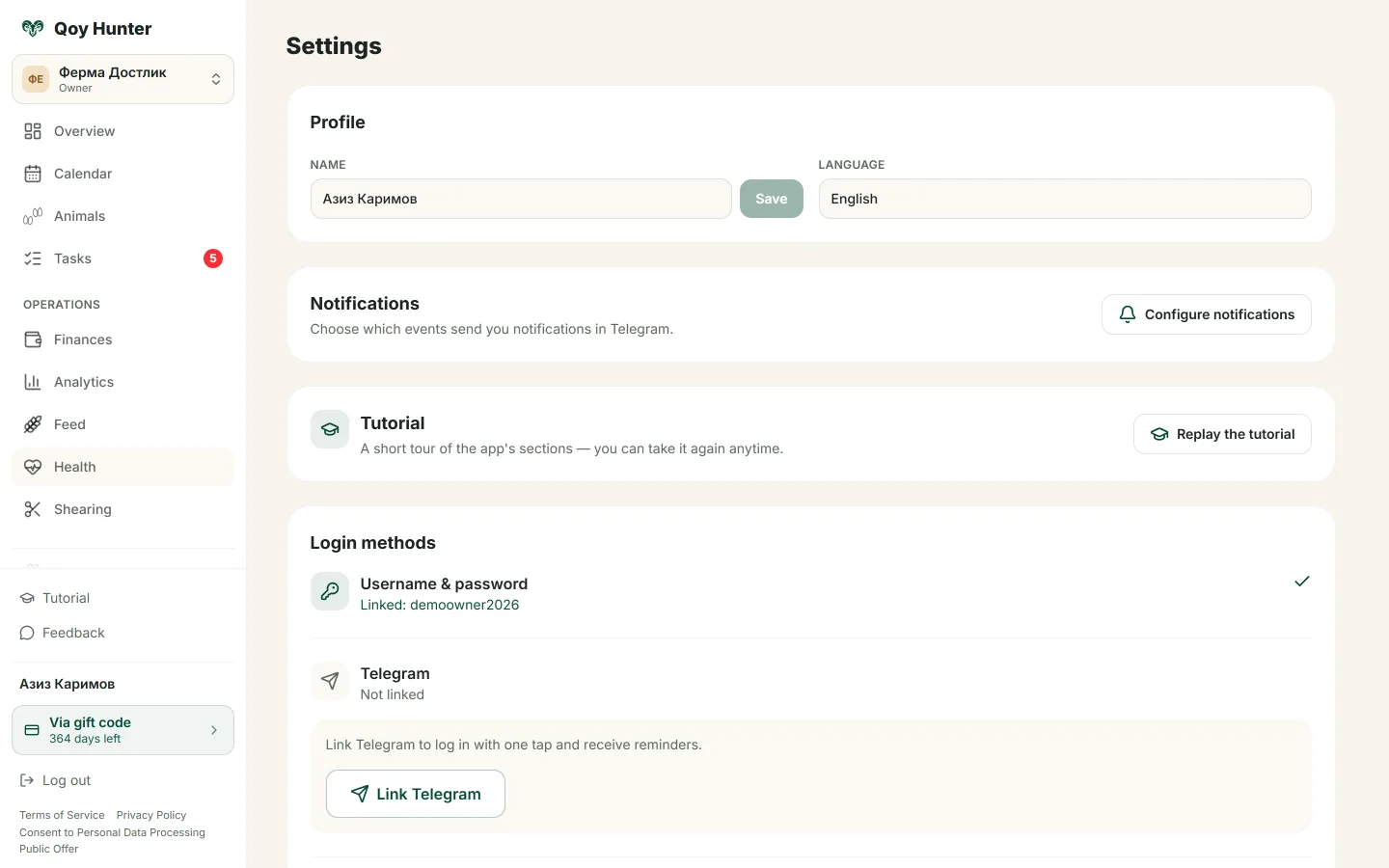
Profile, interface language and sign-in options.
How to use it
How to set it up
- 1
Open notification settings and turn on the event groups you want.
- 2
Choose what to be reminded about and what to switch off.
- 3
Change the interface language — Russian, Uzbek or English.
- 4
Set up sign-in: username and password, Telegram or phone.
What you get
Only the notifications you want come through.
The interface is in a language you understand.
A convenient sign-in option to choose from.
Your account is protected.
More features
All featuresBring order to your farm
Put your flock into QoyHunter — records, health, finances and reminders in one app.